0.3%
card exchange on Pro when you pay in another currency
1%
to send money abroad on Pro, with no minimum
Free transfers
between Sinku users in the same country, on every plan
200+ countries
pay wherever Visa is accepted
0.3%
card exchange on Pro when you pay in another currency
Free transfers
between Sinku users in the same country, on every plan
1%
to send money abroad on Pro, with no minimum
200+ countries
pay wherever Visa is accepted
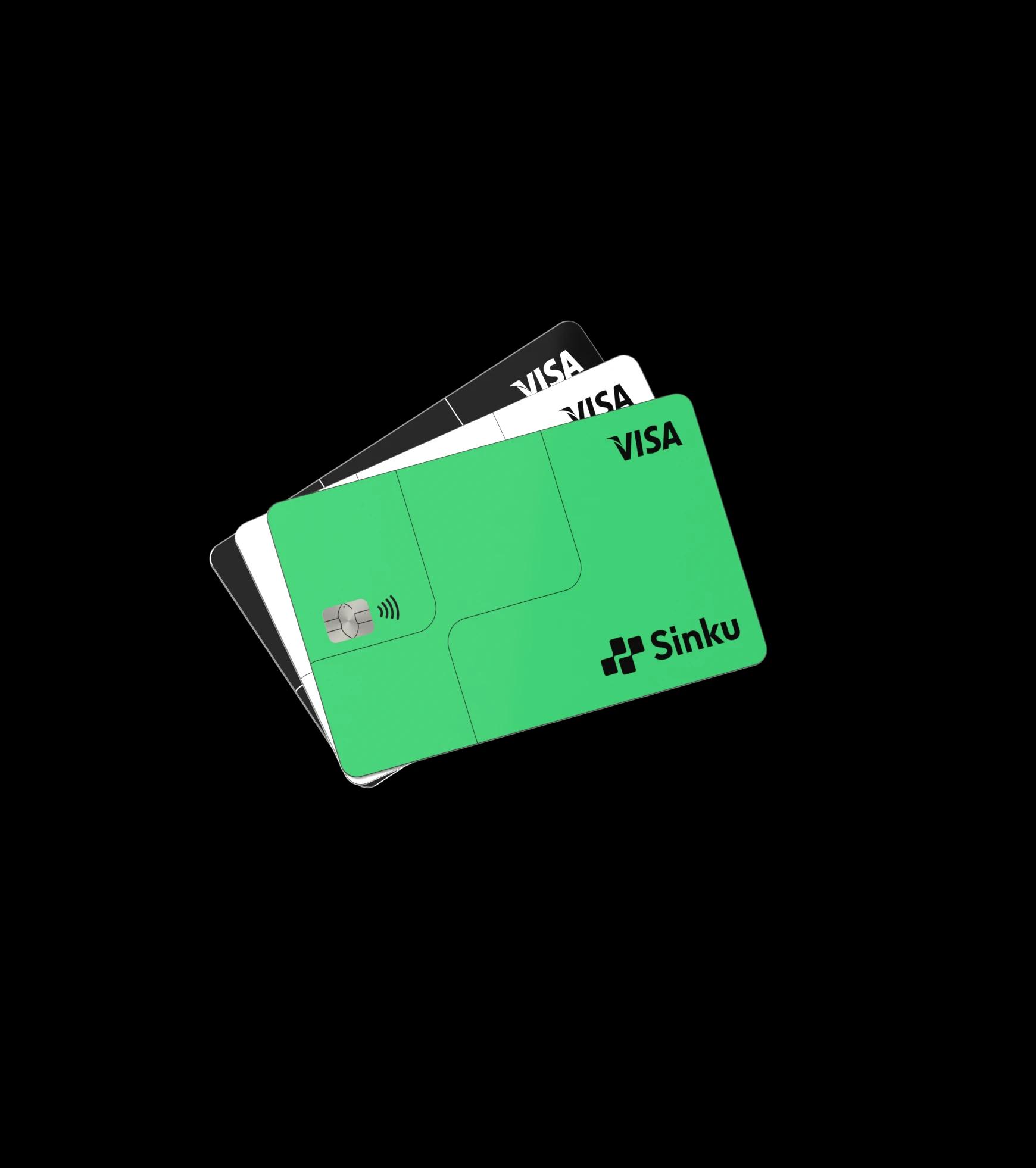
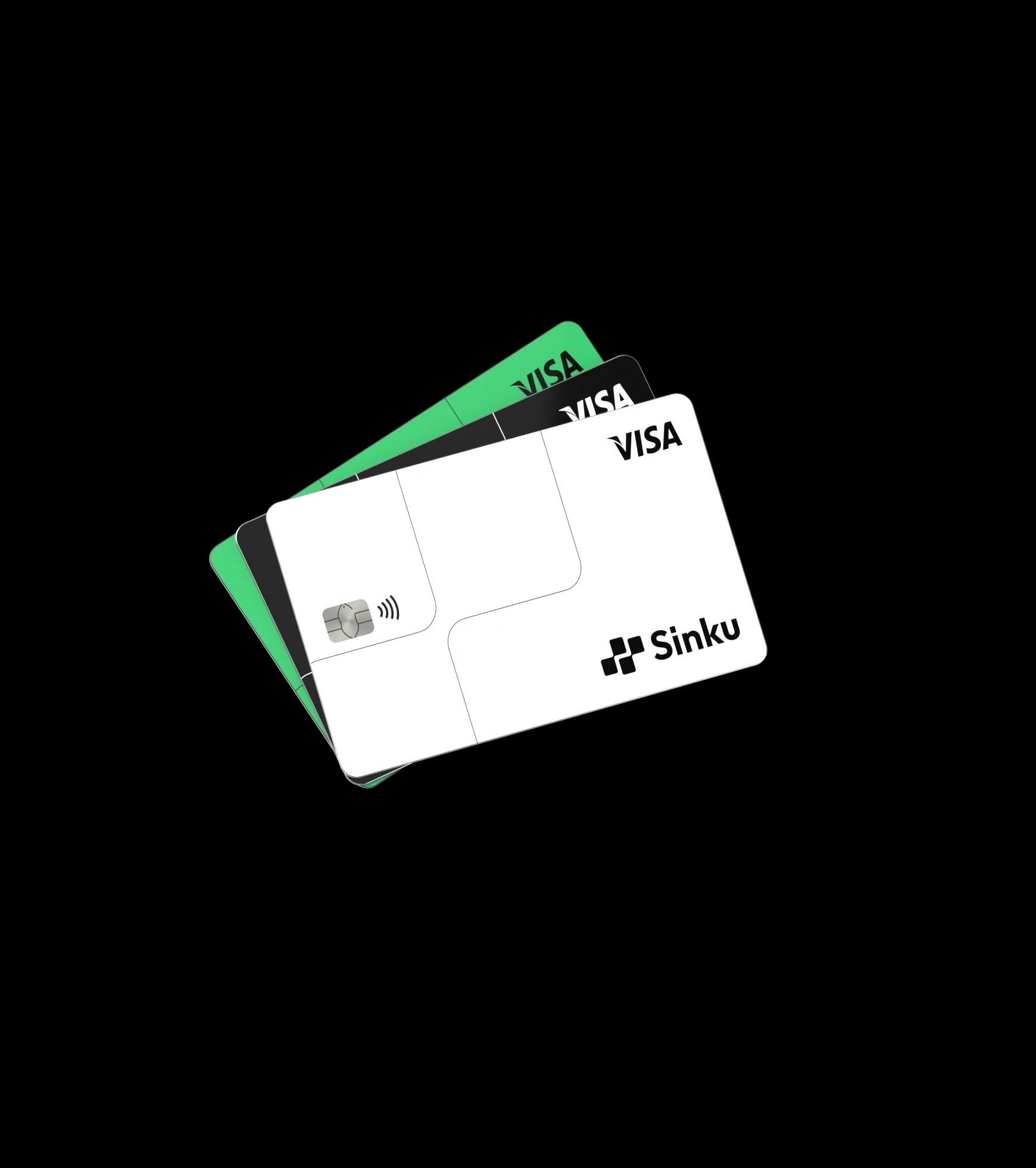
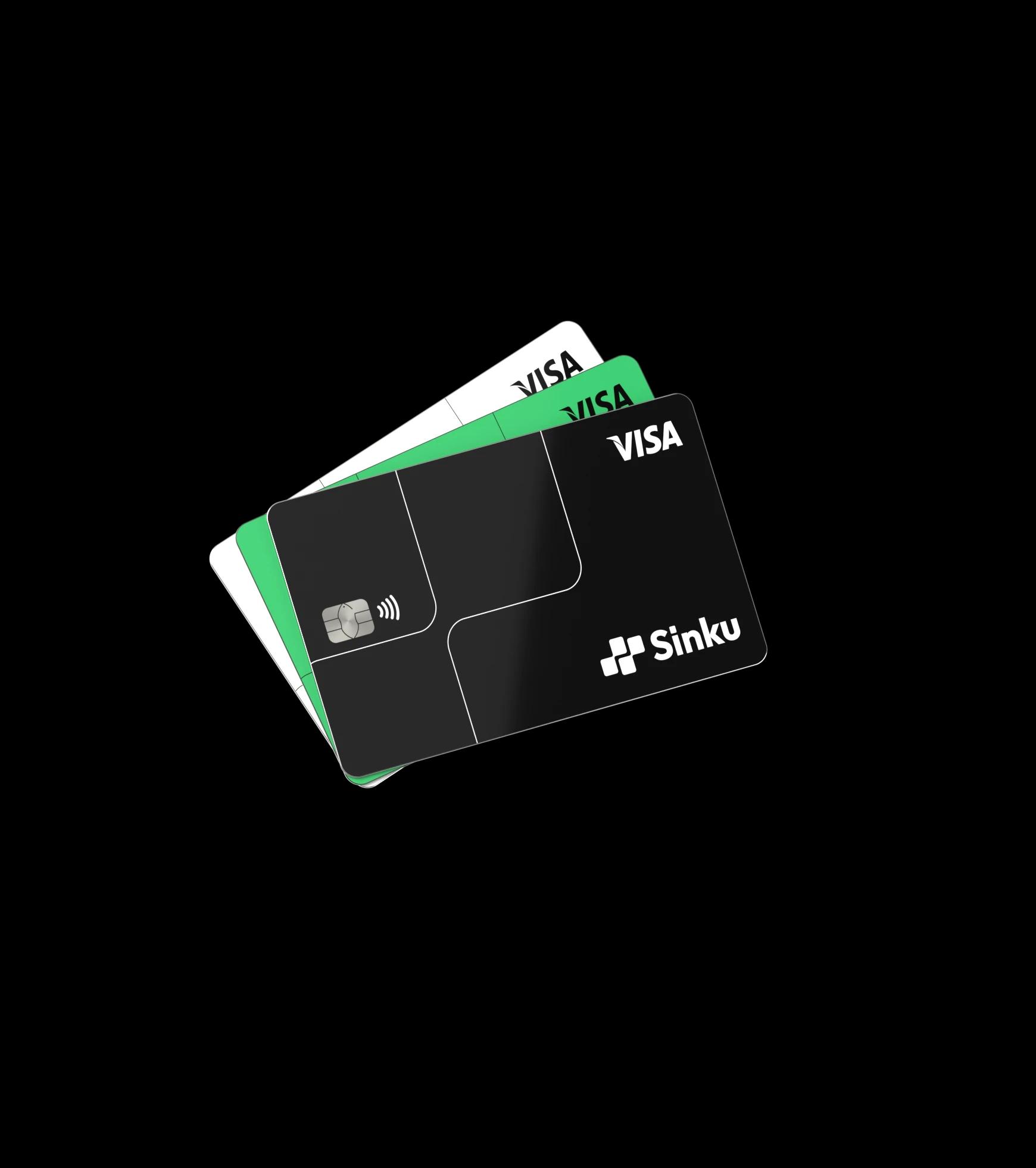
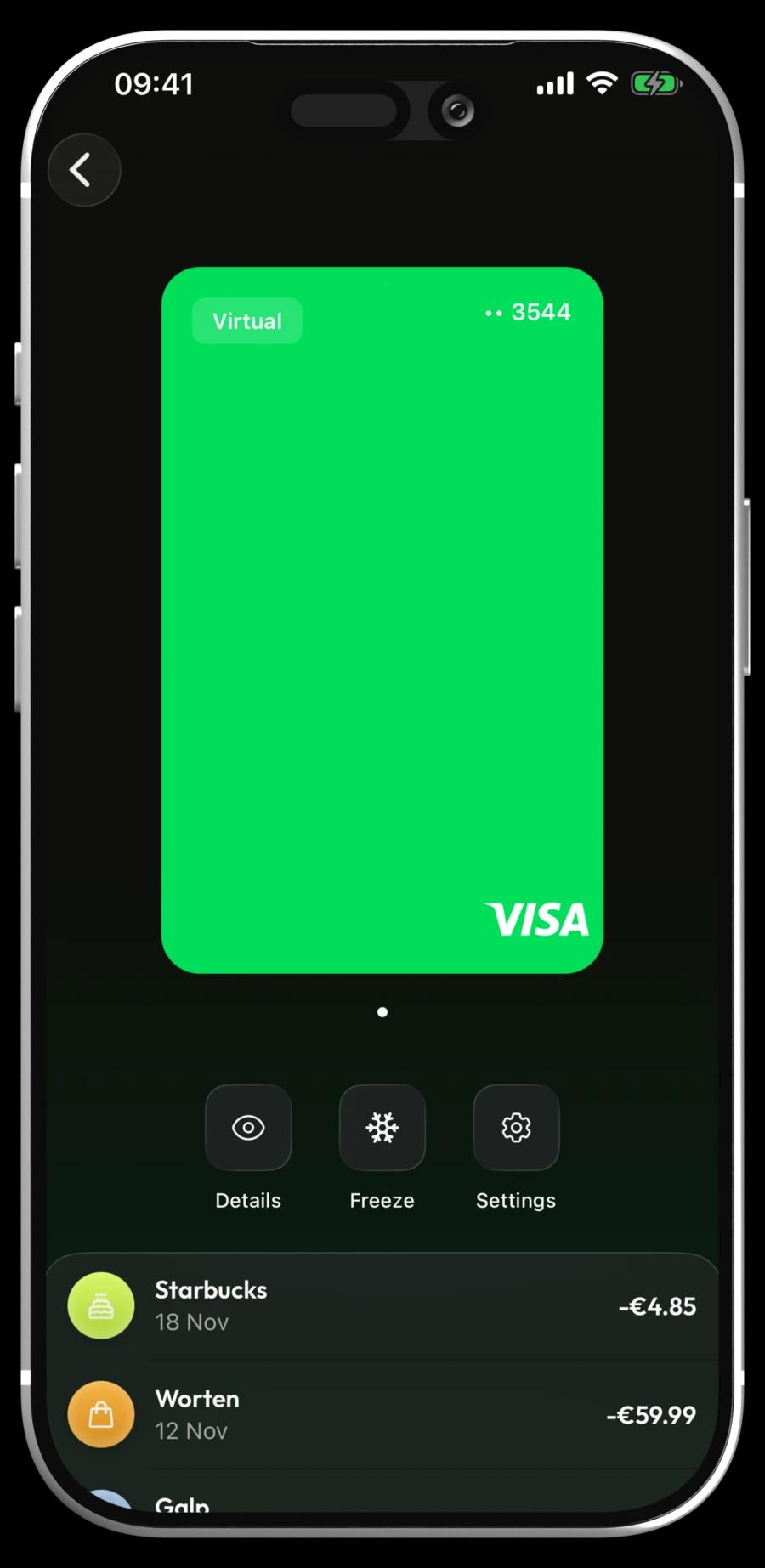
Each plan has its own physical card: green on Lite, white on Plus and black on Pro.
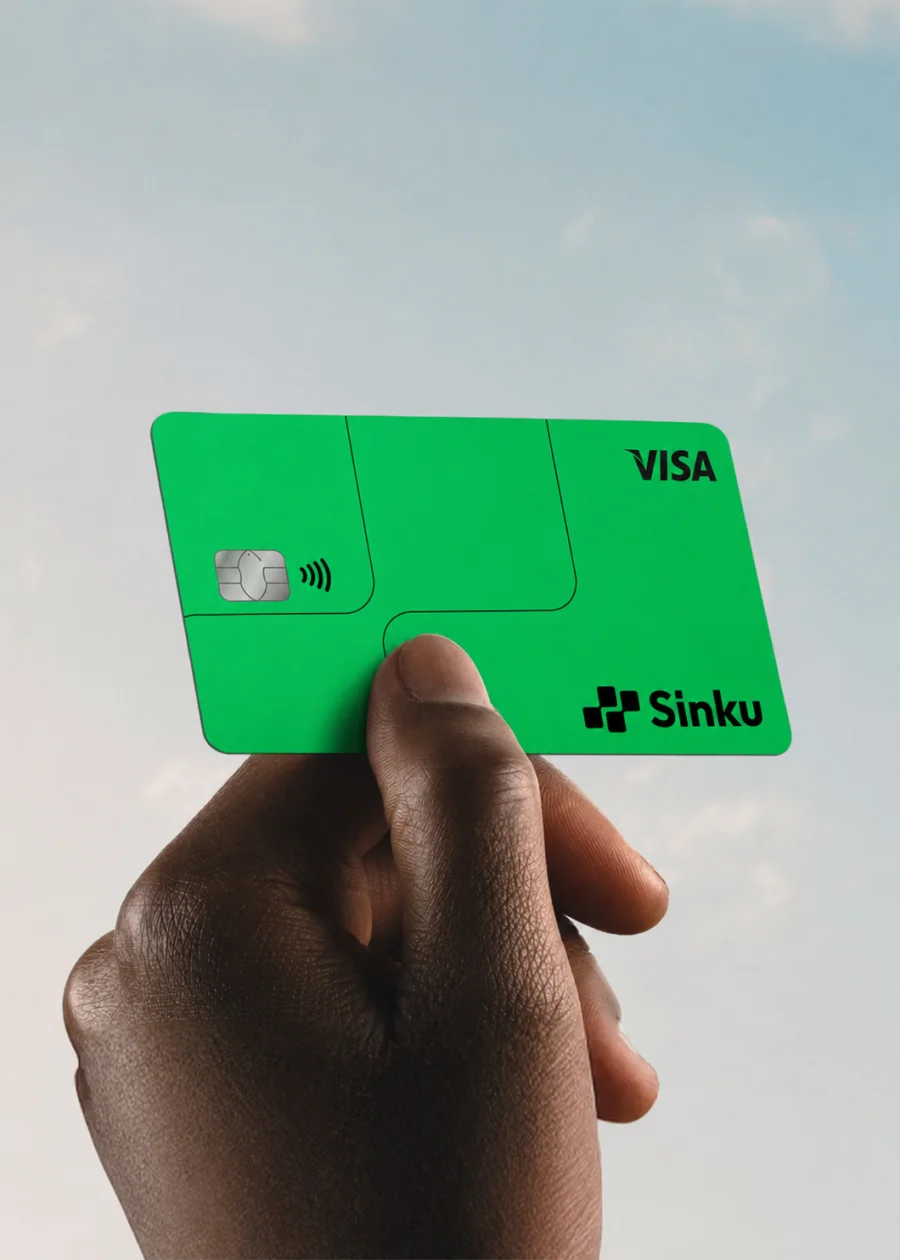
Lite card · green
2.5%
Transfers abroad, minimum €1.50
Prefer another colour? Plus also comes in green, and Pro in green or white. Pro adds a premium card.
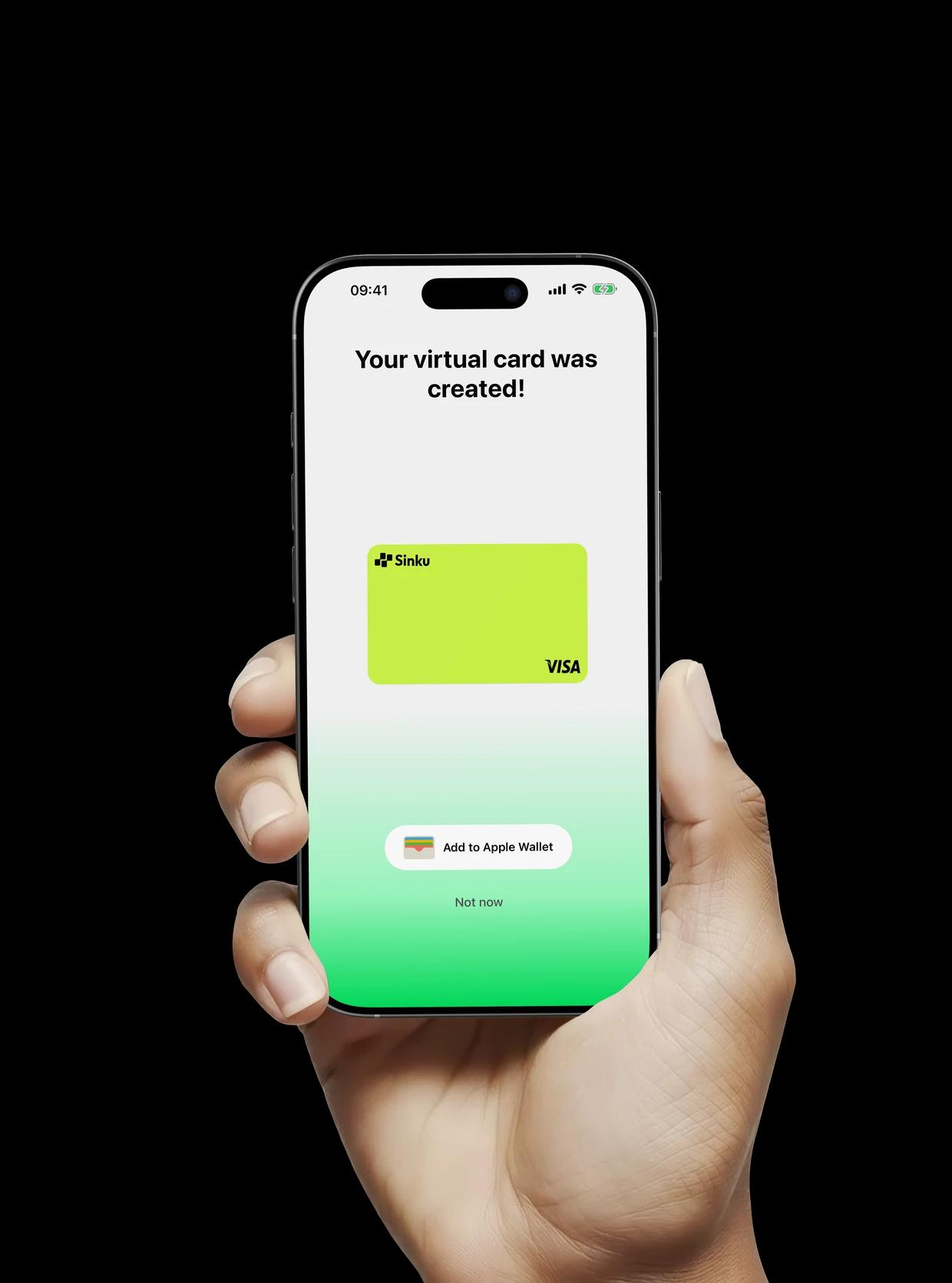
Virtual for paying online, physical for shops and cash machines.
Free
On every plan, ready to use as soon as your account is verified.
Extra virtual card, beyond your plan: €1.
€9.99 + €4.99 shipping
Available on every plan, wherever you live. Use it in the app from the day it is created, while the card is on its way.
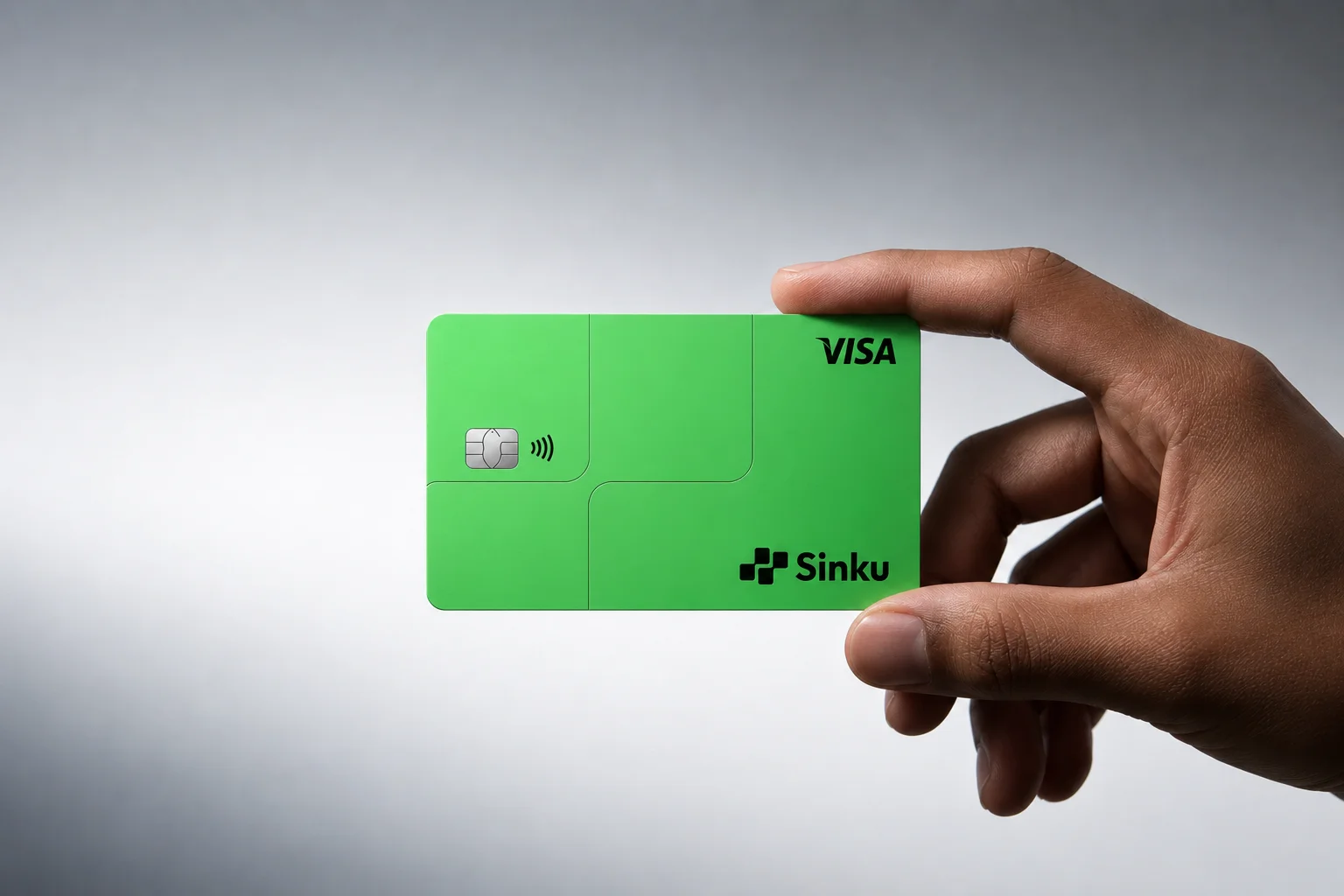
Add your card to Apple Pay or Google Pay and pay contactless with your phone, right from the start.
Apple PayGoogle Pay
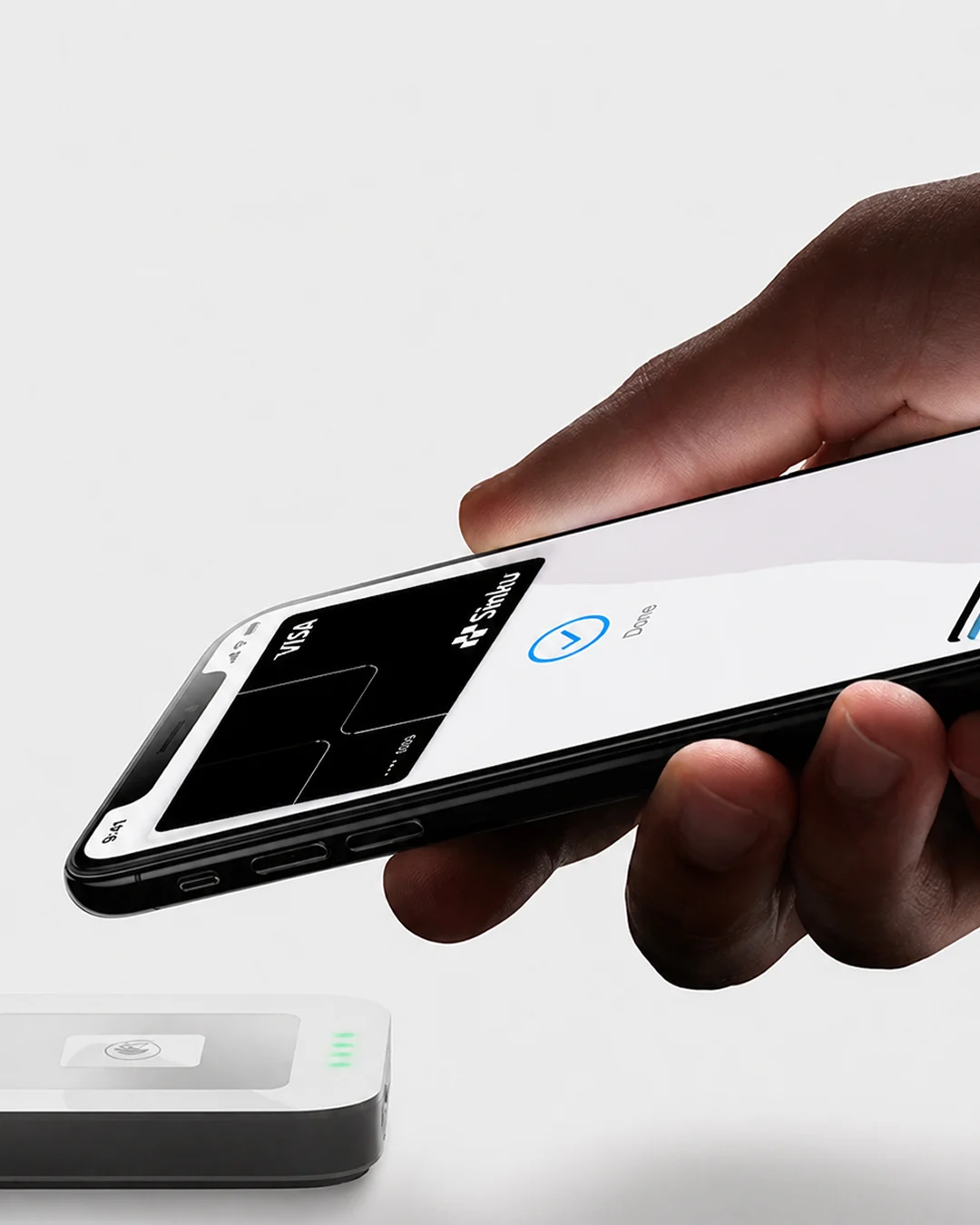
In the app you freeze the card, change the PIN and see every payment.
Freeze the card in the app and unfreeze it whenever you like. Your money stays in your balance.
For online purchases, we ask you to confirm the payment in the app before it is approved.
Open the card, go to “Settings” and tap “Change PIN”. The PIN goes straight to the card issuer.
The card arrives locked. The code comes in the letter and proves the card reached your hands: nobody can activate it with the app alone.
In more than 200 countries, online and in store.
Card limits, the activation code, the PIN and declined payments.
You can add extra cards beyond your plan, up to 10 virtual and 6 physical open at the same time.
You can see the same code in the app. Open your card, tap “Activate card” and then “Lost the code?”. First you confirm it is you, with your passcode or Face ID. We show the code once, inside the app, and never send it by email or SMS.
You choose your PIN during activation, right after the 6-digit code. Avoid birth dates, repeated digits and sequences like 1234, which we do not accept.
On a card you have just received, the most common reason is that it is not activated yet. Also check whether the card is frozen, whether you have enough balance and whether the payment needs approval: for online purchases we ask you to confirm in the app. If you see a payment you do not recognise, freeze the card and write to us at support@sinku.finance.
Join the waitlist and we will let you know when the card is available.